
The Batch API: Load Large Datasets into Agent Memory
Zep's Batch API loads large datasets into agent memory faster, in batches up to 50,000 items, with a progress dashboard and no impact on real-time ingestion.

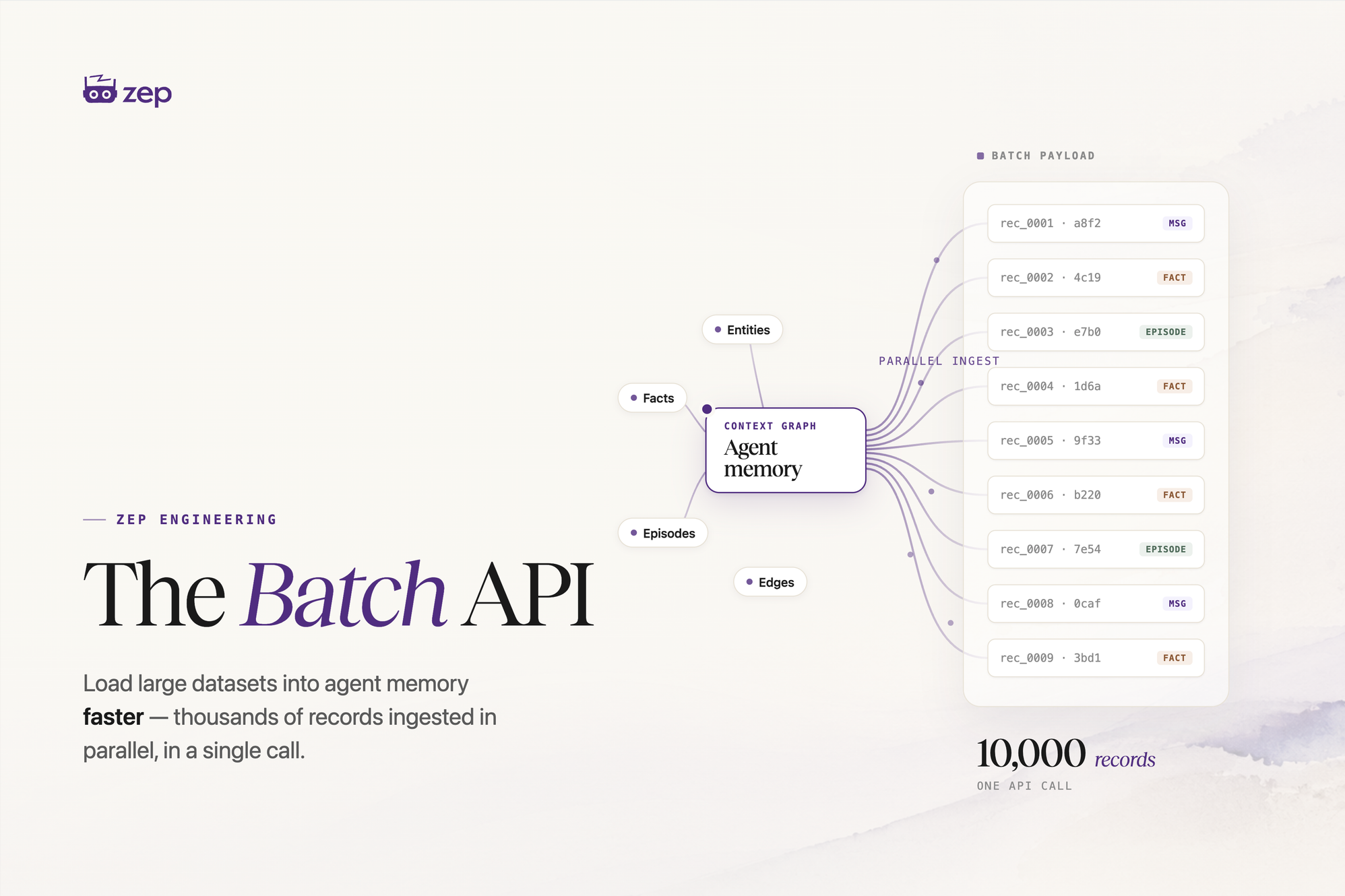
Today we're shipping the Batch API, the new way to load large datasets into agent memory. It ingests data faster than sending the same operations one at a time, runs in batches of up to 50,000 items, tracks progress in a new dashboard, and stays separate from real-time ingestion. You create a batch, add your items across any graphs, users, and threads, then start processing. The Batch API replaces our earlier batch methods and is available to all Zep customers starting today.
What the Batch API is
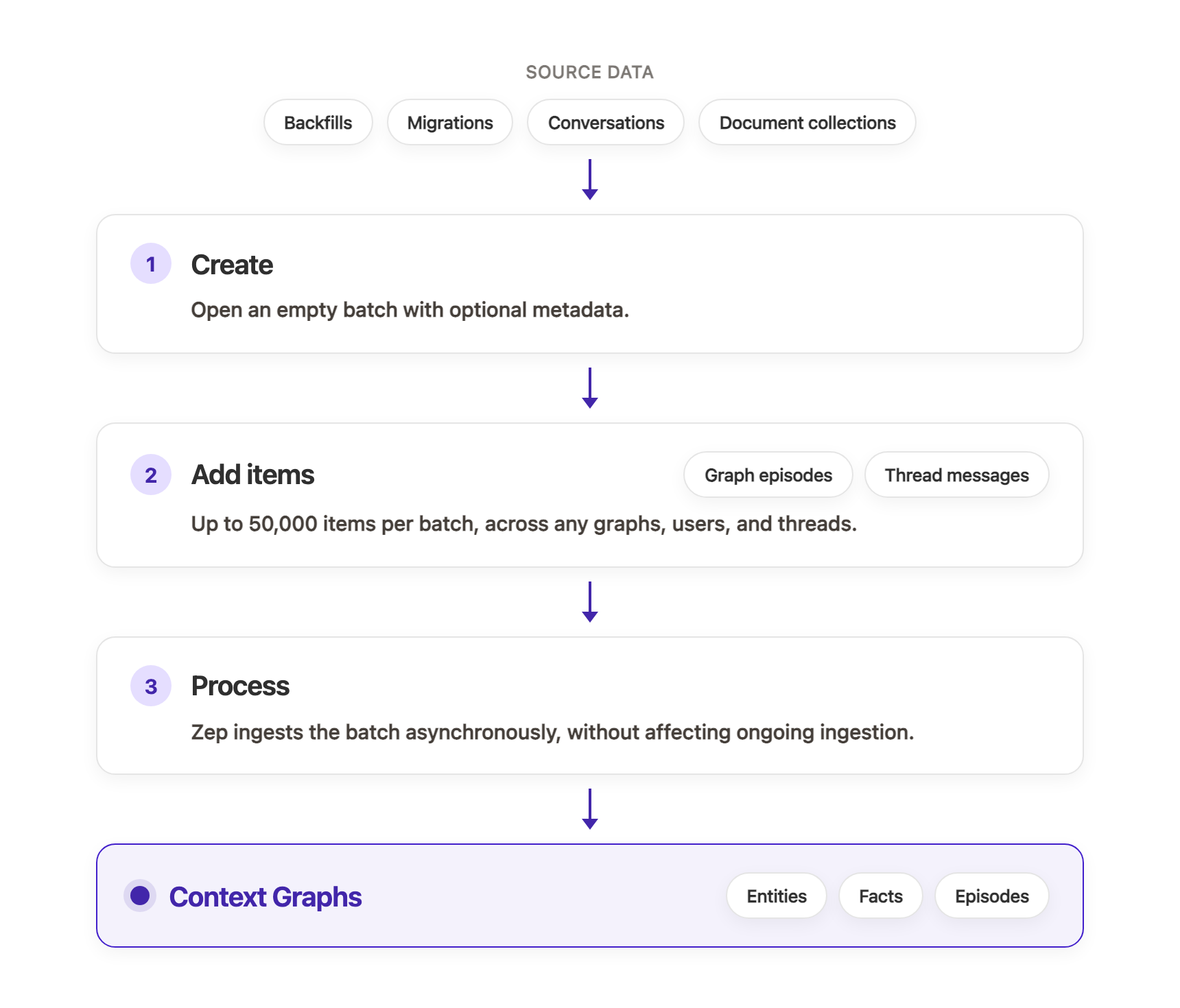
The Batch API is the recommended way to load large datasets into your Context Graphs: a backfill, a migration from another system, a document collection, or any other bulk import. Instead of calling graph.add or thread.add_messages once per item, you group everything into one batch and hand it to Zep as a single job. A batch follows a three-step lifecycle: create an empty batch, add items to it, then start processing. Items can be graph episodes or thread messages, and one batch can target any number of graphs, users, and threads.
Why it matters
The Batch API ingests large datasets faster than the same operations sent one at a time, and a single batch holds up to 50,000 items, enough to submit a full migration as one job. Its processing runs separately from real-time ingestion, so a big backfill won't affect ongoing ingestion.
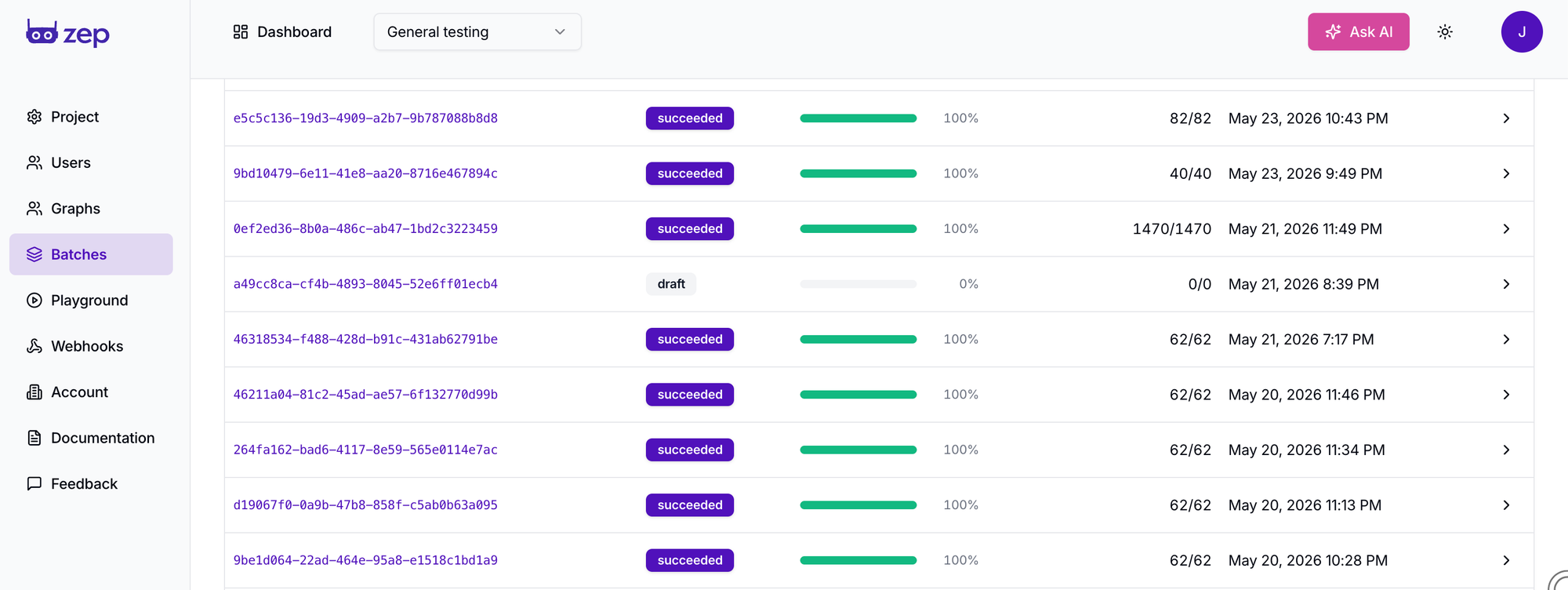
You also get visibility into how that work is going. The new batch dashboard shows every batch in your project: its status, a live progress bar, processed-item counts, and any per-item errors. When a batch completes, Zep can send a webhook.
How to use it
Create a batch, add your items across one or more calls (up to 500 per call, 50,000 per batch), then start processing. Zep returns immediately and ingests the batch asynchronously, grouping items by destination graph and processing them in the order you added them.
# Create a batch
batch = client.batch.create(metadata={"description": "Customer support backfill"})

# Add items: graph episodes and thread messages, any destination
client.batch.add(batch_id=batch.batch_id, items=[
    BatchAddItem(type="graph_episode", user_id="alice",
                 data="Alice signed up for the Pro plan on 2024-06-15.", data_type="text"),
    BatchAddItem(type="thread_message", thread_id="alice_support_thread_42",
                 content="My dashboard isn't loading.", role="user", name="Alice"),
])

# Start processing (Zep ingests the batch asynchronously)
client.batch.process(batch_id=batch.batch_id)
When you're loading historical data, set a created_at timestamp on each item. Zep uses it to track when facts extracted from that data are valid or invalid.
Getting started
To get started, see the Batch API docs. The Batch API is available to all Zep customers starting today. It replaces the older graph.add_batch and thread.add_messages_batch methods, which are now deprecated and will be removed in a future release.